

A minimal C example that plays videos inside a raylib window using libvlc: every format VLC can open (mp4, mkv, webm, avi, ...), network streams and webcams, rendered to a raylib texture. Works on Linux, macOS and Windows.
I bet you have been trying to render and control a video with raylib for a long long time. Don't you think you should at least buy me a beer?

- Many videos at once, each one draggable, with play/pause, restart and seek
- Drag & drop files on the window, or pass them on the command line
- Streams and webcams too (see the comment in
main.c) - Single C file, no engine or framework
libvlc decodes the video on its own threads and writes each frame, already scaled, into a memory buffer
through libvlc_video_set_callbacks(). Frames are triple buffered: the main thread picks the latest one
and uploads it with UpdateTexture(), holding the lock only to swap pointers.
- Install raylib 4.2 or newer. Build instructions here.
- Install libvlc 3.x and glib. On debian/ubuntu/etc.:
sudo apt-get install libvlc-dev libglib2.0-dev - Run
make
With Homebrew. libvlc comes with VLC.app:
brew install pkg-config raylib glib
brew install --cask vlc
make
If VLC.app is not in /Applications, use make VLC_DIR=/path/to/VLC.app/Contents/MacOS.
libvlc must be told where VLC.app keeps its plugins:
export VLC_PLUGIN_PATH=/Applications/VLC.app/Contents/MacOS/plugins
Use MSYS2. From the UCRT64 shell:
pacman -S make mingw-w64-ucrt-x86_64-{gcc,pkgconf,raylib,glib2,vlc}
make
- Drop one or more videos on the window, or pass them on the command line.
- Drag a video to move it, click on its bar to seek.
SPACEplay/pause,Rrestart,Cclose the video on top.
The same example written in D is in d/. It uses the C headers directly
through ImportC, with no bindings to write or install.
cd d
dub build
./raylib-libvlc-example
Taken by the automated build tests: on every push the build workflow builds the example on each OS, plays two test videos and captures the screen.
| Linux | macOS | Windows |
|---|---|---|
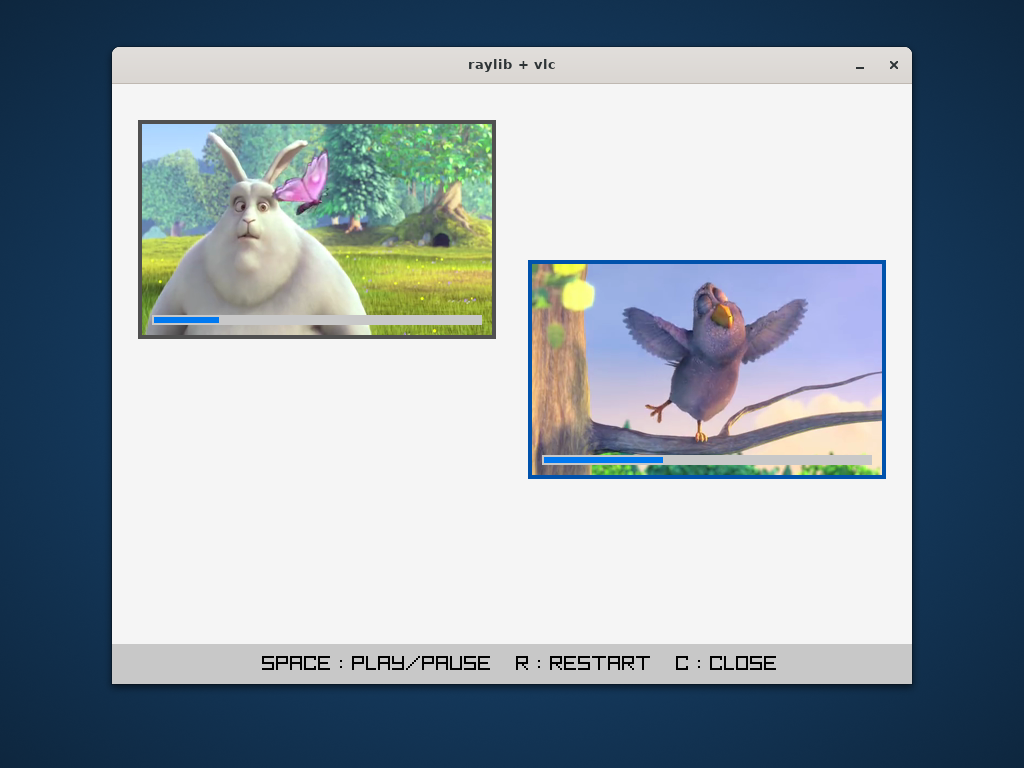 |
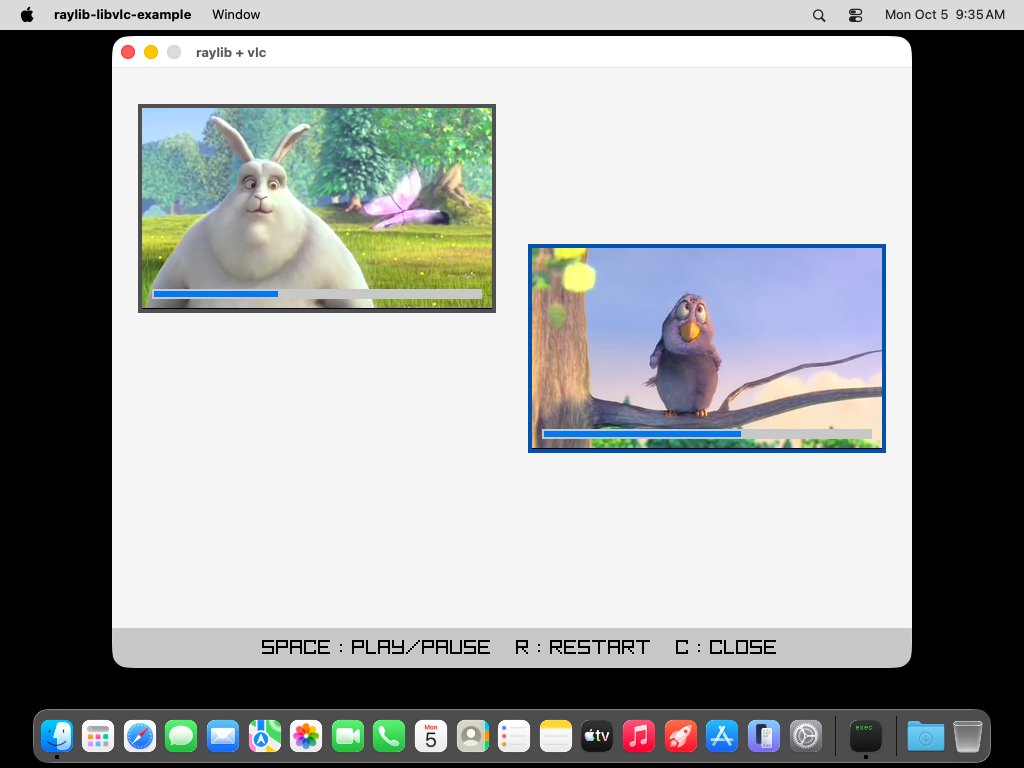 |
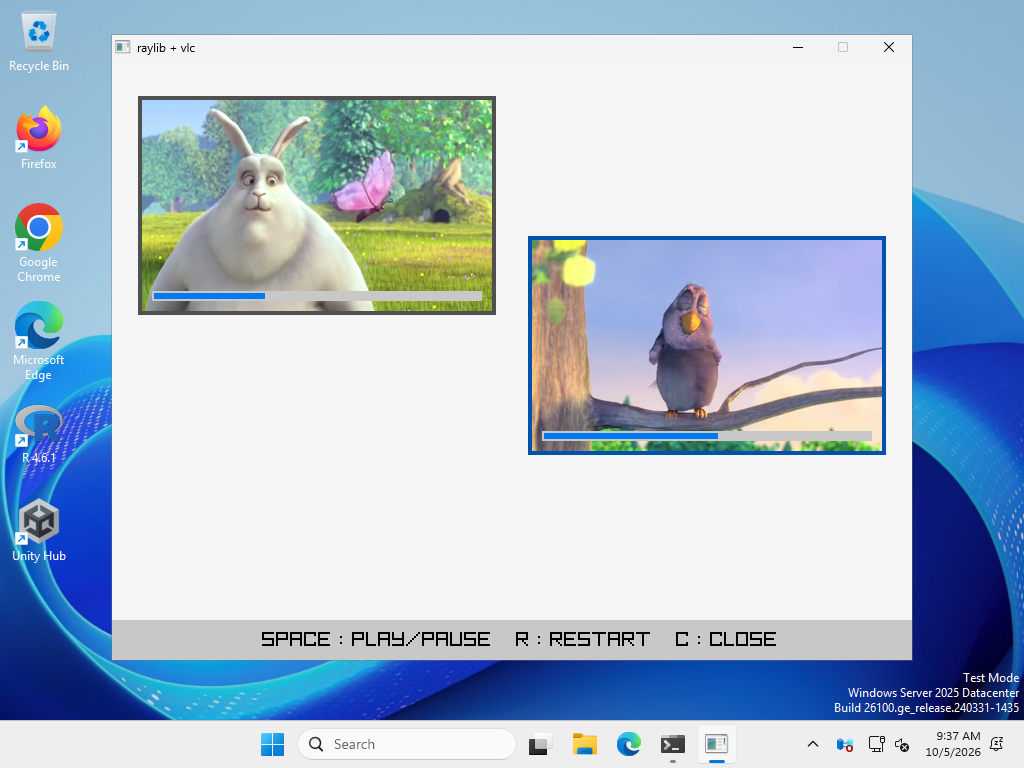 |
The test videos are clips from Big Buck Bunny, (c) Blender Foundation, CC BY 3.0.
- raylib-ffmpeg-video: the same with ffmpeg